Badge
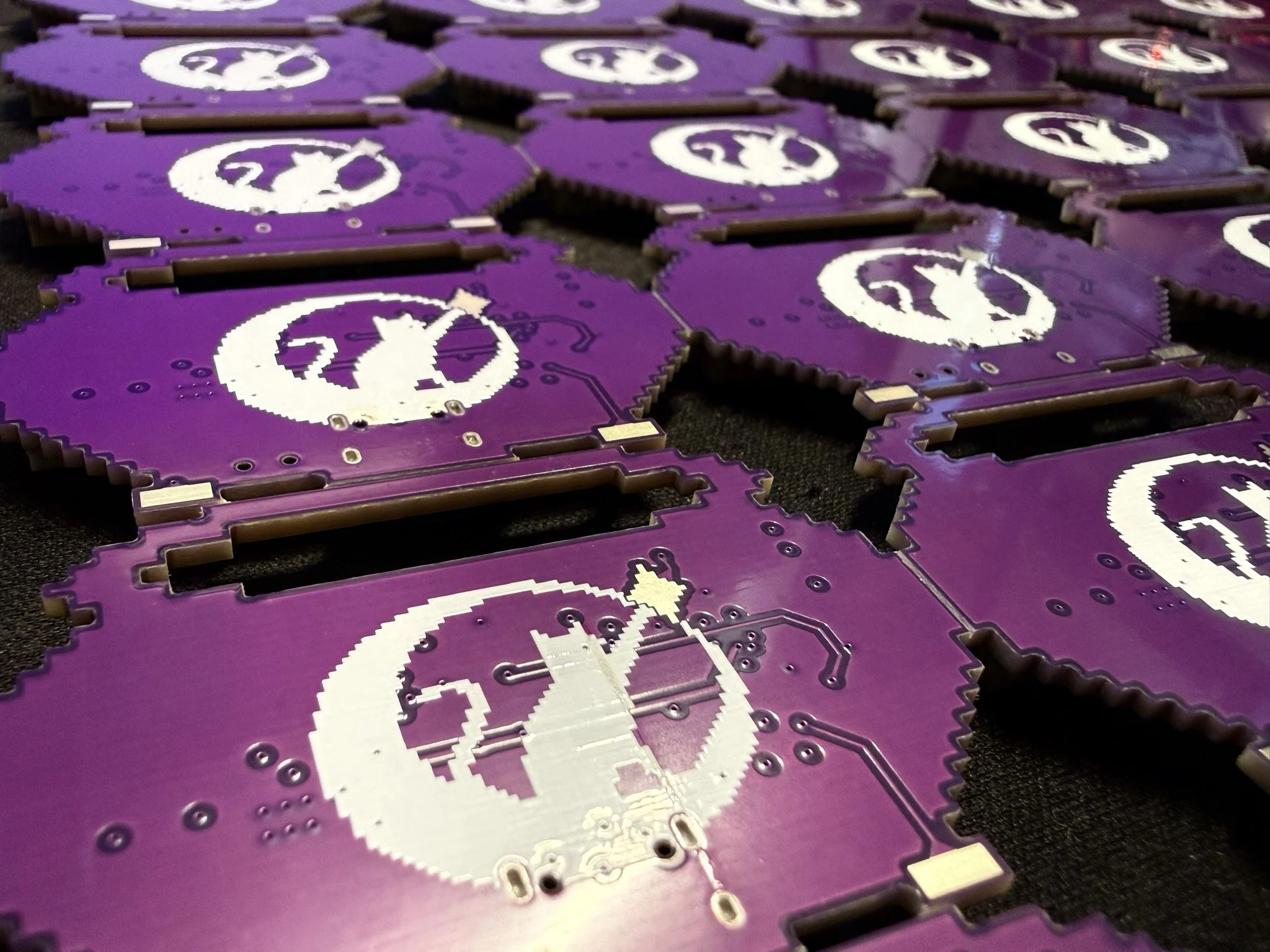
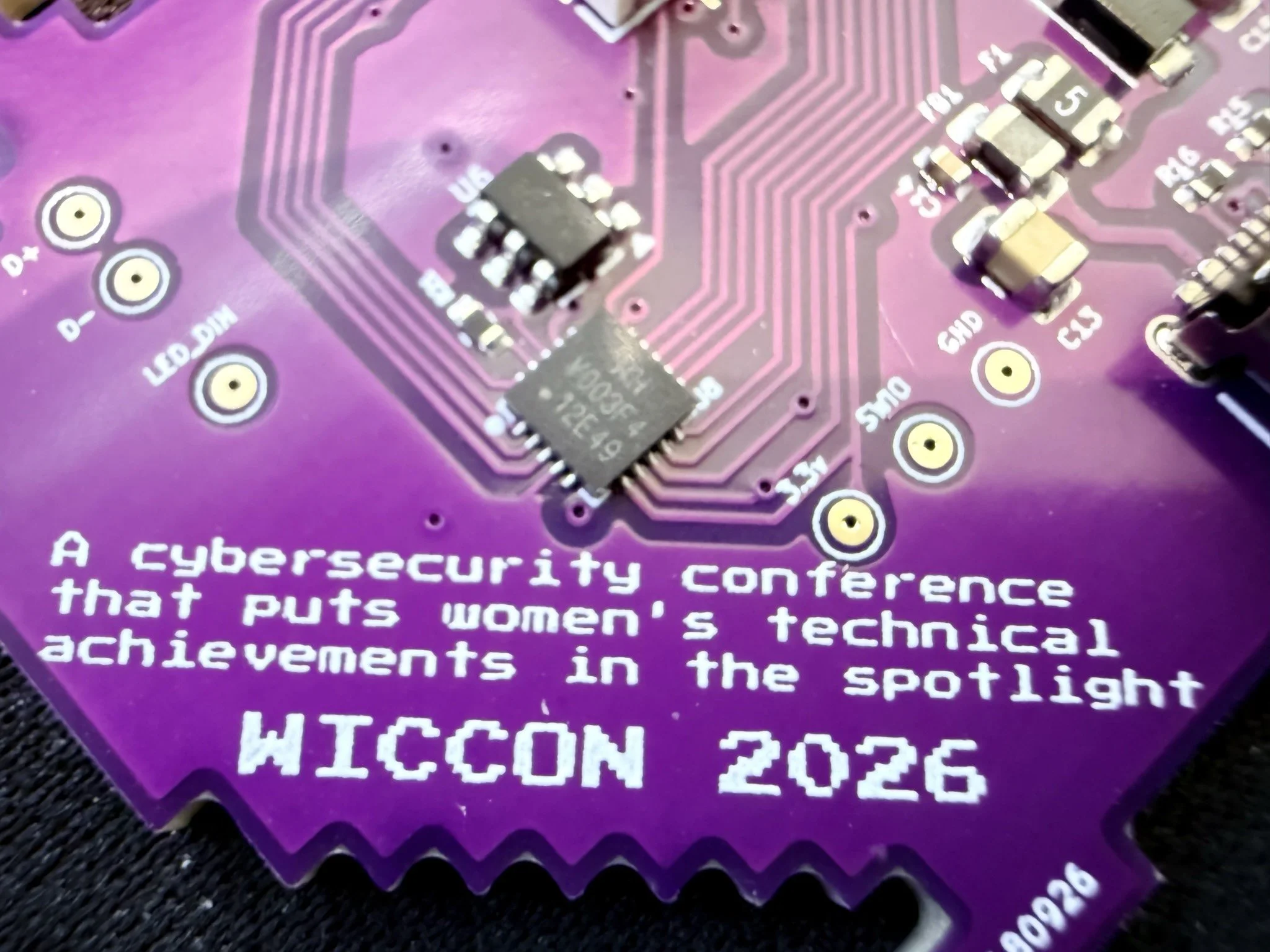
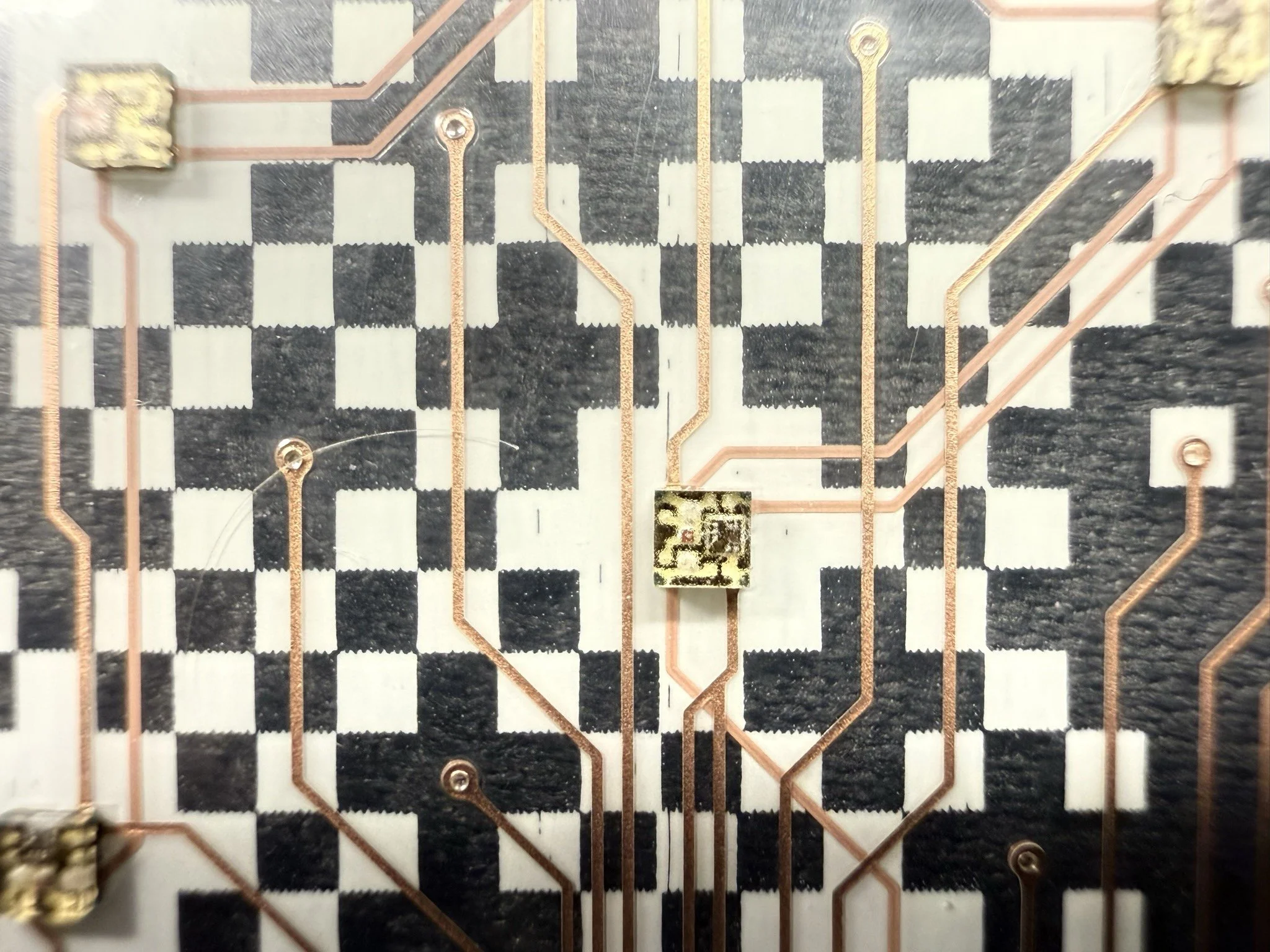
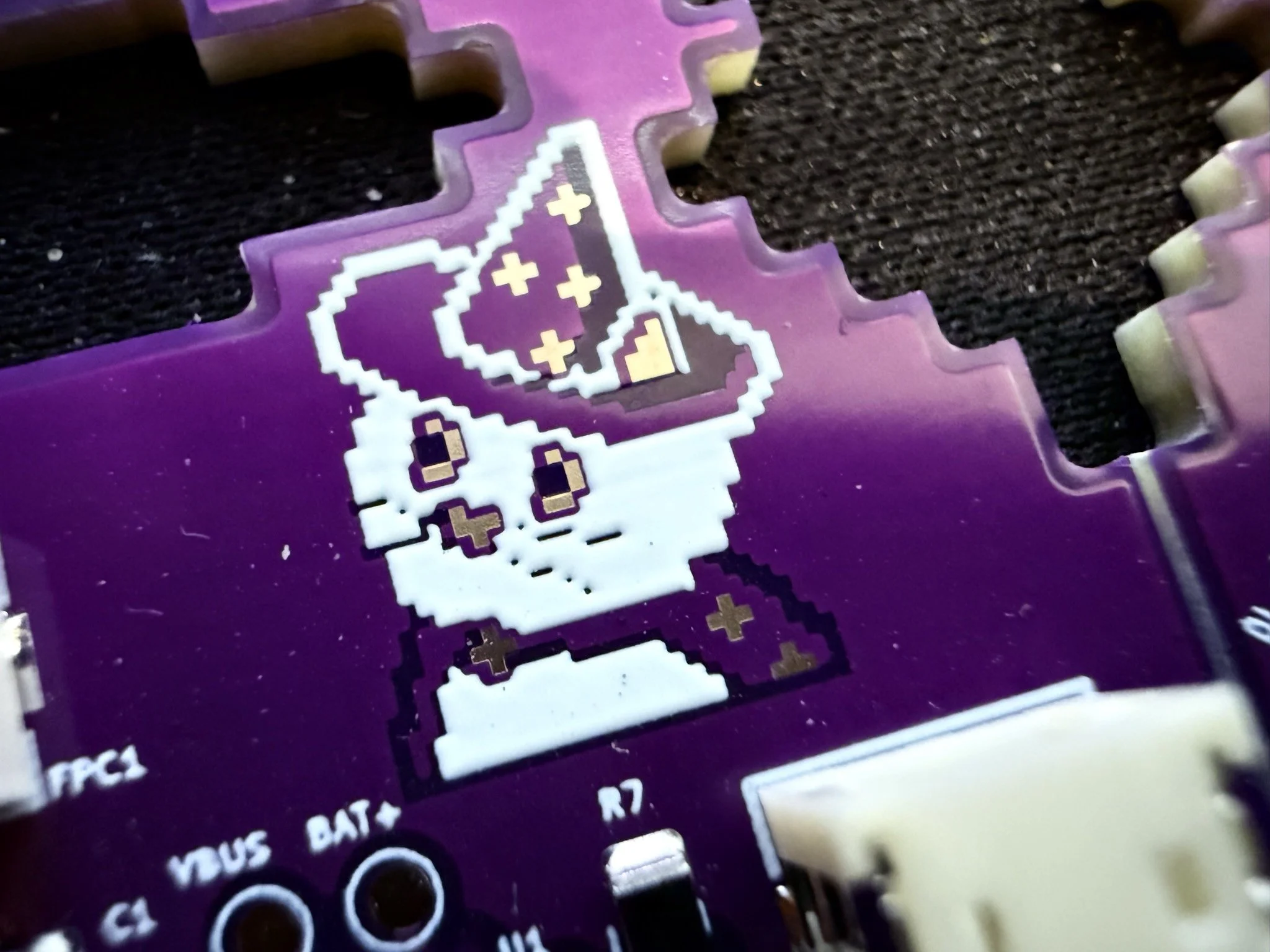
This year's badge is an awesome cauldron that lights up the Lichtfabriek. By connecting with other cauldrons you can exchange colours and unlock new modes. The badge has multiple modes to show the colours, which can be accessed by touching the star on your cauldron.
FAQs
Where can I get my badge?
Your badge is in the WICCON goodiebag.
How do I use my badge?
Plug the battery in and use the switch at the bottom to turn on your badge and brew some colours! Touch the star to use the next mode, the LEDs on the bottom indicate which mode is in use. Use the bottom-right foot to adjust the brightness of your cauldron and the left foot to adjust the animation speed.
Colours can be shared between badges by holding the star and connecting two badges using USB-C. The LED light at the bottom right shows the exchange status:
Red: The badges are not connected properly
Orange: The other badge is not in exchange mode
White: Badges are exchanging colours!
If touching the star doesn’t register, please touch the USB-C port to ground yourself.
How do I charge THE BADGE?
All badges have been charged ahead of WICCON and should last the whole conference. The battery can be charged using a USB-C cable. The USB-C cable can also be used to connect two badges. You will be able to find some USB-C cables around the conference (please ask before taking them).
Is there a challenge on the badge?
Yes, go find the flags.
How many colours can I collect?
That’s part of the game ;) Maybe check out the program booklet for a hint.
Can I reuse my badge?
Use the badge any way you want as a pretty brooch, add it to your collection of other badges or any other creative project you have in mind. But before removing the firmware, are you sure you found all the cool games it has?
If you only want to use the badge at the conference that’s fine! Maybe you already have 50 badges and don’t have space for another one. You can bring the badge back to reception to recycle it.
Who made this amazing beautiful badge?
This badge was designed by our amazing badge team. Thank you Tirza for designing the badge and herding the badge team! Thank you Rebecca and Wietse for creating the PCB design! Thank you Kat and Rik for creating the firmware and badge game!